System diagnostics, brought together

One place to understand what Windows is trying to tell you.

Lurionyx SysDiag gathers PC health, event logs, crash dumps, services, updates, security, and repair paths into a guided workspace that stays on your machine.
Local-first No cloud upload required Built for Windows 10+
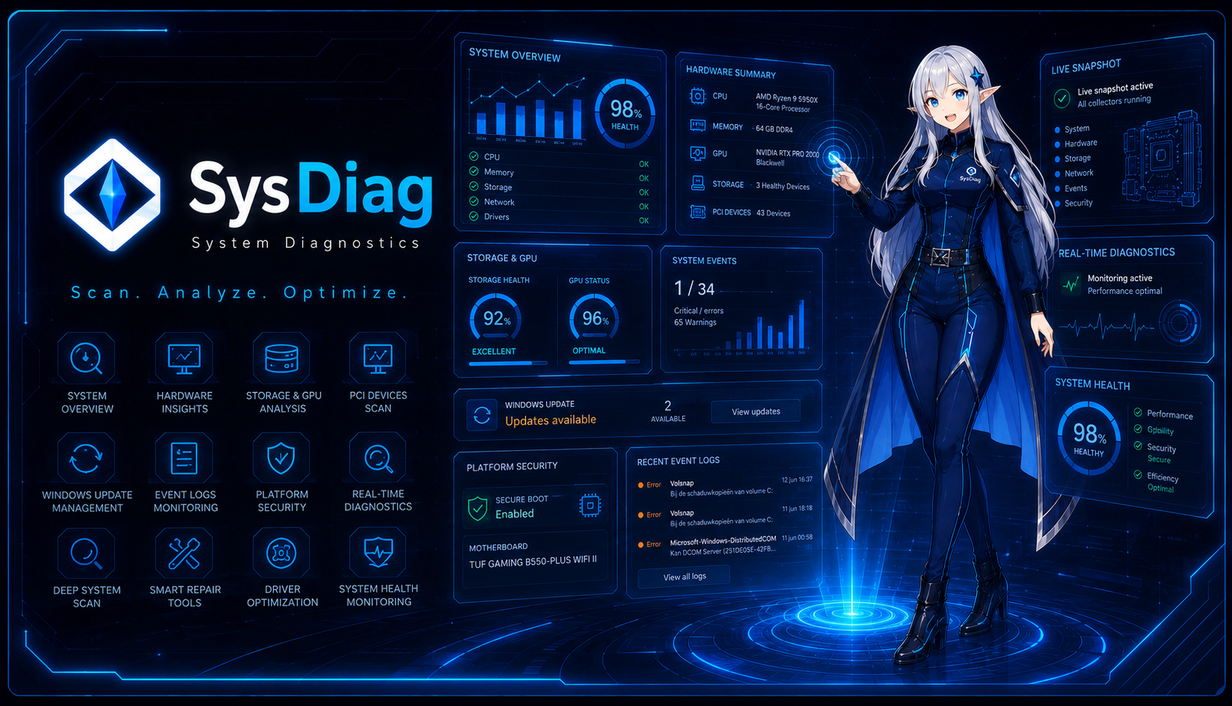
Lurionyx SysDiag diagnostics dashboard with Elara assistant
Live collectors

Hardware, update, event, device, and repair signals are collected into one readable view.

Guided explanations

Elara explains the meaning behind technical results so non-technical users can follow along.

Action-ready

Jump from a warning to the related page, evidence, or repair path instead of guessing.

Current Version 1 capabilities

The concept build already brings the main diagnostics workspace together.

01

System overview

See CPU, RAM, GPU, storage, PCIe health, Windows Update, and recent serious events in one start page.

02

Device manager replacement

Inspect devices, problem codes, drivers, hardware changes, and device details in a clearer view.

03

Storage and disk layout

Review drive health, partitions, volumes, free space, bus type, and disk-manager-style layout.

04

Event and reliability clues

Read event logs, grouped repeated errors, reliability history, and timeline clues without opening old Windows tools.

05

Services and updates

Review services, Windows Update state, update history, and update-related repair direction.

06

Security and repair previews

Check platform security, repair center ideas, support bundles, and guided explanations from Elara.

Interface preview

Built to look calm while handling messy system evidence.

Lurionyx SysDiag system overview screenshot

Guide assistant

Elara helps users understand what each page is telling them.

Lurionyx SysDiag is not only a list of numbers. The guide explains why a warning matters, where to look next, and which repair action fits the actual symptom.

  • Plain-language explanations for technical pages.
  • Highlights the exact section being explained.
  • Keeps the user local and in control of their data.
Elara, the Lurionyx SysDiag guide assistant

Repair flow

From symptom to evidence to action.

1

Scan

Collectors gather hardware, Windows, device, update, service, and security data locally.

2

Explain

Grouped evidence reduces repeated noise and shows the newest serious clues first.

3

Repair

Risk-gated repair actions explain what will change before commands run.

4

Verify

Refresh the affected page and confirm whether the issue improved or needs deeper analysis.

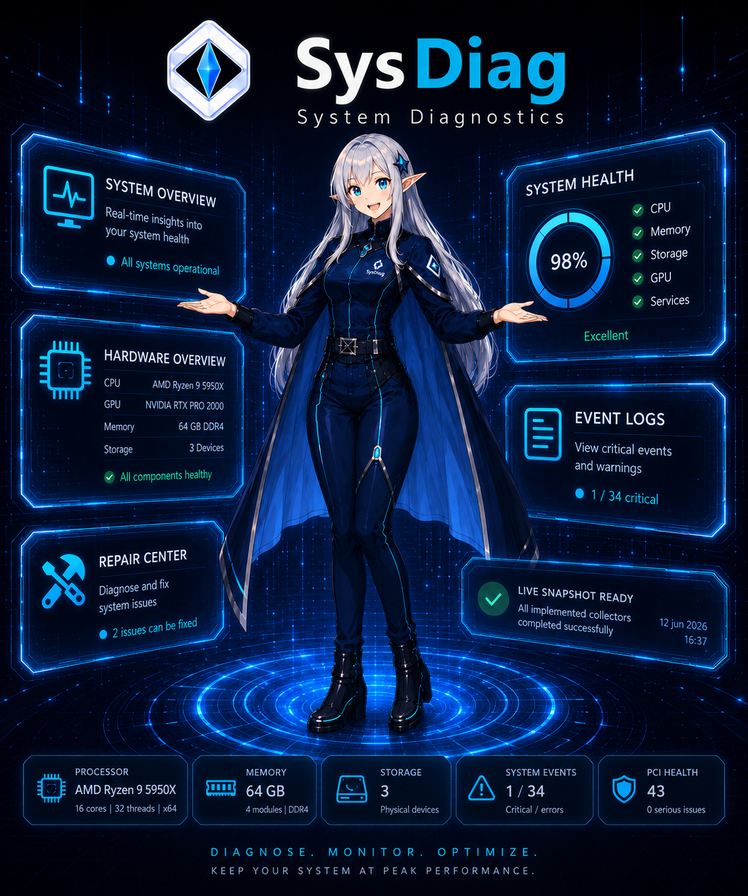
Lurionyx SysDiag vertical product art

Version 1 concept

A working preview of the Lurionyx SysDiag experience.

Version 1 shows the interface direction, local collectors, guided explanations, device manager, storage views, event logs, update pages, security checks, and repair workflow in one app.

Download

Download the Version 1 concept build.

Version 1 is the current public concept build. It is meant to show the diagnostics workflow, the interface direction, and how Lurionyx SysDiag can make Windows troubleshooting easier to follow.

Current concept

Lurionyx SysDiag Version 1

Preview the professional diagnostics interface, Elara guidance, storage views, device manager replacement, event logs, and repair direction. Version 1 is a free concept build, so some areas may still look rough or change later.

  • Free to use, including in business environments
  • Closed-source build owned by Rayen Leys
  • Local-first collectors
  • Includes third-party license notices

Windows x64 zip, about 70 MB, hosted through Cloudflare downloads. Keep the extracted files together. SHA-256: checksum.

Included areas

What Version 1 lets you explore

The concept build is focused on the complete user experience: how pages are organized, how evidence is explained, and how repair direction can feel less confusing.

  • Overview, hardware, GPU, storage, and device pages
  • Event logs, reliability, crash dumps, and timelines
  • Services, Windows Update, security, and repair center previews
View Version 2 roadmap

System requirements

Designed for modern Windows systems.

Operating system

Windows 10 or newer. Some collectors and repair actions may work best on Windows 11.

Permissions

Read-only diagnostics work normally. Repairs, services, security, and hardware actions may require administrator rights.

Privacy

Core scans run locally. Remote support bundles are created by the user and shared only when the user chooses.

Questions

Clear answers before users install.

Does Lurionyx SysDiag upload my data?

No. The core diagnostics workflow is local-first. Remote bundles are created by the user and shared only when they choose to send them.

Is it for beginners or technicians?

Both. Beginners get plain-language guidance. Technicians still get raw details, event IDs, drivers, partitions, and repair outputs.

Can it replace Windows tools?

The goal is to replace common trips through Event Viewer, Device Manager, Services, Disk Management, Windows Update, and repair commands.

Is it safe to use?

Read-only diagnostics are low risk. Repair and security actions should explain risk, ask confirmation, and remain the user's responsibility.

Free Version 1 concept

Try the current build and see where Lurionyx SysDiag is heading.